RPay Salary Card Balance Check — Complete Guide UAE
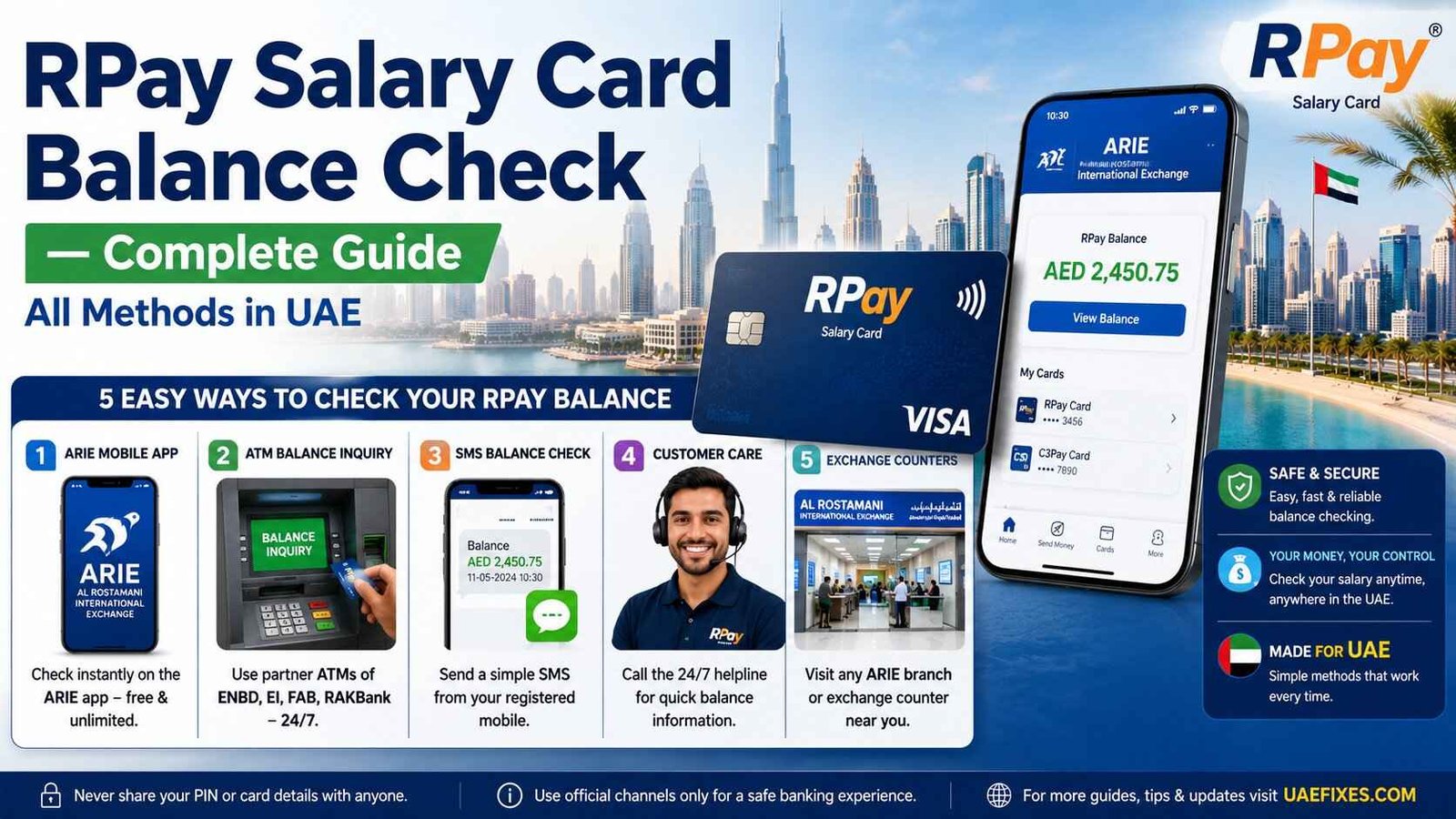
Need to check your RPay salary card balance? Unlike a regular bank account, the RPay card from Al Rostamani International Exchange (ARIE) uses specific channels for balance checks. This guide covers every method — the ARIE app, ATM, phone banking, and branch visits. So you never have to search anywhere else.
Safety Note: UAEfinbiz is an informational guide only and does not have access to your RPay card or account. Never share your card number, PIN, OTP, Emirates ID, or login credentials with any third-party website or individual. Always use official Al Rostamani Exchange channels for balance checks. The official ARIE app is available on the App Store and Google Play Store. For verified information, visit the official Al Rostamani Exchange website at alrostamaniexchange.com . Al Rostamani will never ask for your PIN or OTP outside of their official app or verified phone number. If you receive any suspicious messages, ignore them and report immediately.
What is the RPay Card?
The RPay card is a prepaid WPS salary card issued by Al Rostamani International Exchange (ARIE) . It’s designed for employees who receive their salaries through the UAE’s Wage Protection System (WPS) .
Key features:
- EMV chip-and-PIN security
- Zero balance and partial salary withdrawal facility
- AED 25,000 accidental insurance for all RPay holders
- POS transactions at merchants (via ENBD, EIB, FAB, RAKBank POS networks)
- International money transfers via the ARIE app
- SMS alerts for salary credits and transactions
- Multilingual contact centre support
Important: RPay cards are NOT linked to regular banking apps. You must use the ARIE app or official Al Rostamani channels to check your balance.
Find Your Method — Choose What Works for You
Different situations call for different methods. Here’s a quick overview:
| Method | Best For | What You Need |
|---|---|---|
| ARIE Mobile App | Daily use, quick checks, free | Smartphone + internet |
| ATM Balance Inquiry | Quick check, 24/7 access | Card + PIN |
| Phone Banking | Speak to someone | Any phone |
| Branch Visit | In-person help, printed slip | Card + Emirates ID |
ARIE Mobile App — Step by Step
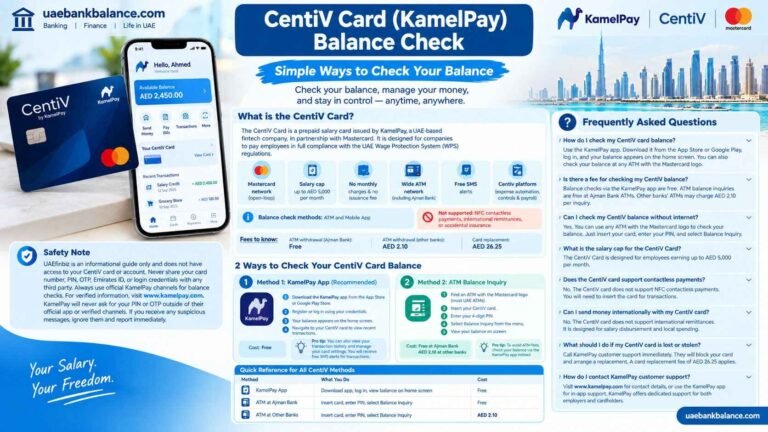
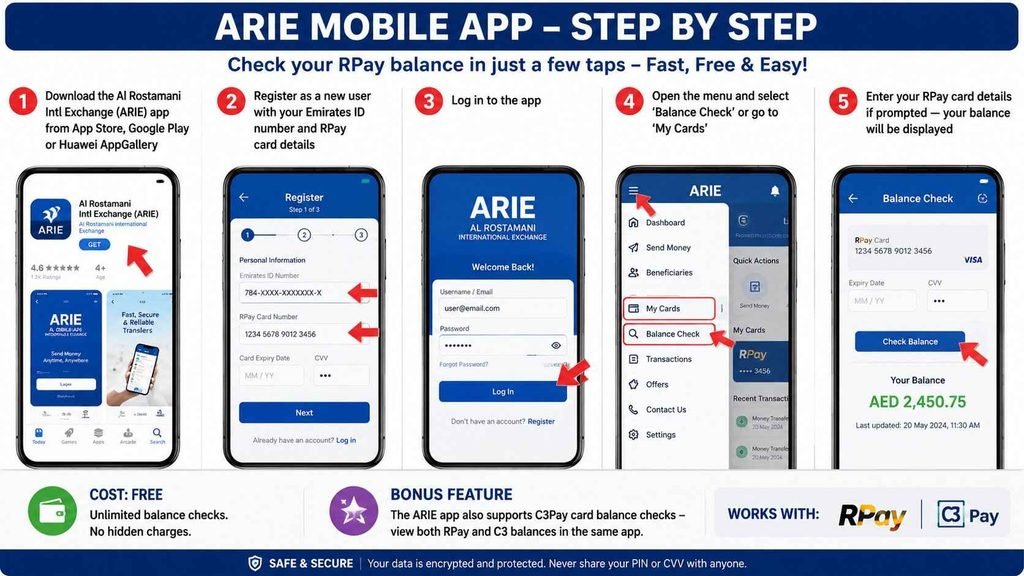
The ARIE (Al Rostamani Intl Exchange) app is the fastest and most convenient way to check your RPay balance. It’s completely free and offers unlimited balance checks .
How to check:
- Download the Al Rostamani Intl Exchange (ARIE) app from the App Store (iOS), Google Play (Android), or Huawei AppGallery
- Register as a new user with your Emirates ID number and RPay card details
- Log in to the app
- Open the menu and select ‘Balance Check’ or go to ‘My Cards’
- Enter your RPay card details if prompted — your balance will be displayed
Cost: Free. Unlimited balance checks .
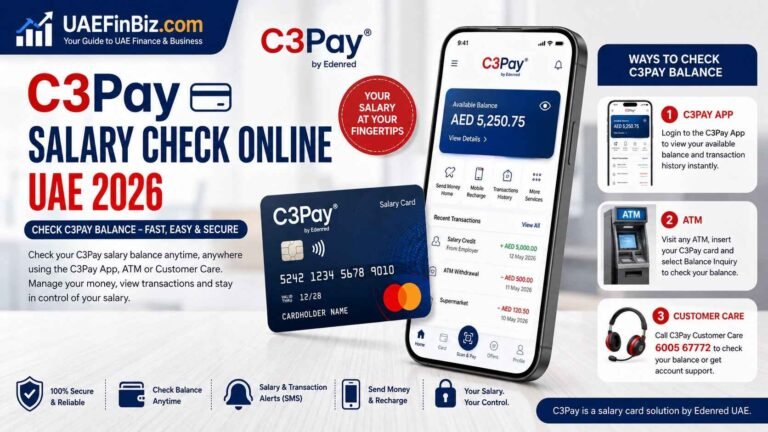
Bonus feature: The ARIE app also supports C3Pay card balance checks — you can view both RPay and C3 balances in the same app . This is a convenient single dashboard if you have cards from different providers.
ARIE ATM Balance Inquiry
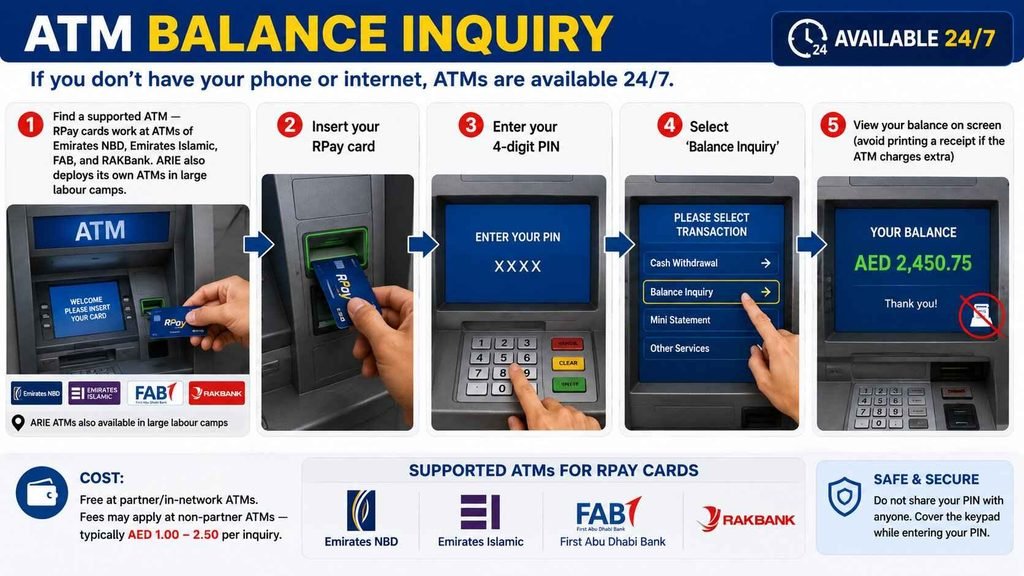
If you don’t have your phone or internet, ATMs are available 24/7.
How to check:
- Find a supported ATM — RPay cards work at ATMs of Emirates NBD, Emirates Islamic, FAB, and RAKBank. ARIE also deploys its own ATMs in large labour camps
- Insert your RPay card
- Enter your 4-digit PIN
- Select ‘Balance Inquiry’
- View your balance on screen (avoid printing a receipt if the ATM charges extra)
Cost: Free at partner/in-network ATMs. Fees may apply at non-partner ATMs — typically AED 1.00–2.50 per inquiry .
Phone Banking — 600 540 004
Prefer to talk to someone? Al Rostamani’s phone banking service is available.
How to check:
- Call 600 540 004 from within the UAE, or +971 4 454 3203 from outside the UAE
- Alternatively, call the toll-free number 800 4250
- Provide your card number and Emirates ID to verify your identity
- Request your balance from the agent or follow the IVR prompts
Cost: Standard call rates apply (no additional bank fees)
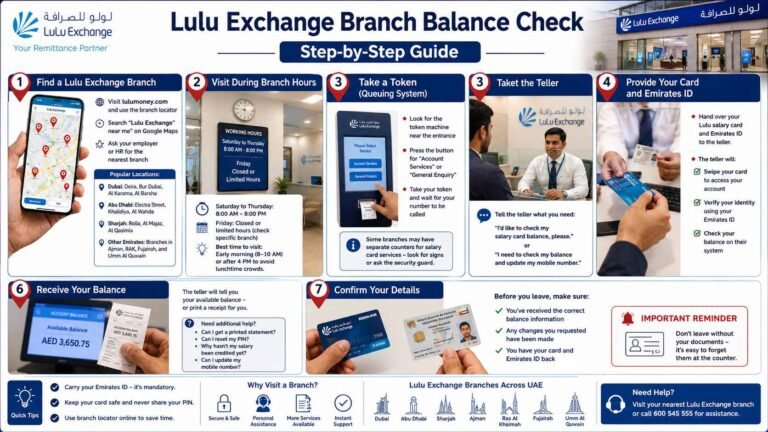
Branch Visit — In-Person Balance Check
Sometimes you just need face-to-face service.
How to check:
- Find an Al Rostamani International Exchange branch near you
- Bring your RPay card and Emirates ID
- Request a balance enquiry from the teller
- Receive your balance verbally or get a free balance slip
Best for: PIN reset, mobile number update, salary issues, printed statements, card replacement.
Cost: Free for balance enquiries at branches .
Quick Reference — All RPay Methods
| Method | What You Do | Cost |
|---|---|---|
| ARIE Mobile App | Download app, register, check balance | Free |
| ATM | Insert card, enter PIN, select balance inquiry | Free at partner ATMs; ~AED 1-2 at others |
| Phone Banking | Call 600 540 004, follow IVR | Standard call rates |
| Branch Visit | Visit any Al Rostamani branch with Emirates ID | Free |
How do I check my RPay balance online?
Use the Al Rostamani Intl Exchange (ARIE) mobile app. Download it from the App Store or Google Play, register with your Emirates ID and card details, then select ‘Balance Check’ from the menu. It’s completely free.
Is there a charge for checking my balance on the RPay app?
No, checking your balance and viewing your transaction history on the ARIE mobile app is completely free.
What ATMs can I use to check my RPay balance?
RPay cards work at ATMs of Emirates NBD, Emirates Islamic, FAB, and RAKBank. ARIE also has its own ATMs in some labour camps. Balance checks at these partner ATMs are free.
Is there a charge for ATM balance inquiry?
Yes, if you use a non-partner ATM. Other banks may charge AED 1.00–2.50 per balance inquiry. Use partner ATMs (ENBD, EIB, FAB, RAKBank) for free checks.
How do I activate my RPay card?
You need to activate your card before use. Sign the back of your card and follow the activation process provided with it. Call 800 4250 or visit an Al Rostamani branch for help.
What should I do if I forget my RPay PIN?
You can reset your PIN by visiting any Al Rostamani International Exchange branch with your Emirates ID and RPay card. The teller will help you set a new PIN.
Can I check my C3Pay balance in the ARIE app?
Yes — the ARIE app also supports C3 card (C3Pay) balance checks. You can view both RPay and C3 balances in the same app.
How do I contact Al Rostamani customer support?
Call 600 540 004 from within the UAE, +971 4 454 3203 from outside the UAE, or the toll-free number 800 4250. You can also email ARIECRD@alrostamanigroup.ae.